
Linking Macros
Only linked macros can be used by remote devices. Macros can only be linked to existing panels.
To start open the panels page on the server.
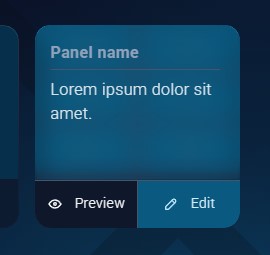
Here you will see an overview of the panels that are available.
Hover over the panel you want to link macros to and click edit.
Here you will see the panel edit view.

To link a macro to a button. Click the desired button, a menu will appear on the right side where you can select a macro to link to the button.
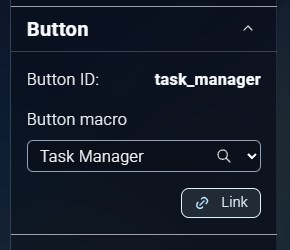
When you selected the desired macro, click the link button.
When you're done linking the macros click the save button. This will save the macro-links to the panel.json file.