Build it yourself
The current releases of Macrame are Windows only, but you could build it yourself if you want to try Macrame on another OS.
This is currently untested
Prerequisites
Go should be installed on the system.
Version 1.24.0 has been used for the development.
Node and NPM should be installed on the system.
Version 20.11.1 and 22.15.0 both work, other versions have not been tested.
GCC / GNU Compiler Collection.
Linux
The GNU Compiler Collection will be pre-installed on most systems.
shsudo apt install build-essential # Debian sudo dnf groupinstall "Development Tools" # FedoramacOS
The GNU Compiler Collection is not pre-installed on macOS. For the command below to work Xcode Command Line Tools should be installed.
shxcode-select --installWindows
The GNU Compiler Collection is not pre-installed on Windows.
Download and install: MinGW - Minimalist GNU for Windows
How to build
Open the development branch of the Macrame repository.
You could clone the repository to your system or download a zipped version of the repository.
The zipped version should be unpacked on your system for you to continue
Open de Macrame directory in a terminal or commandprompt and run the following command to build the application:
shgo build main.goIf you're inclined to give the build a different name run:
shgo build -o Macrame main.goWhen the application is build, it should have read and write privileges and be allowed in the firewall.
It will only read and write inside the directory it is placed in.
To build the UI that is displayed in the browser navigate to the 'fe' directory inside the terminal or commandprompt. Here you can run the following commands:
shnpm install npm run buildThis will generate a new web application inside the public directory.
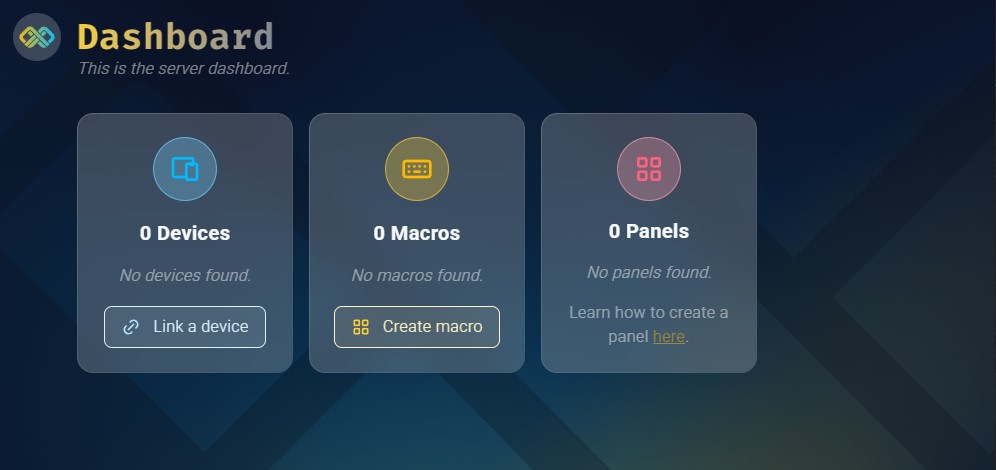
After this you can run the Macrame application and you should see a page like this open in the browser: